

Improve culling results by rating low-quality photos
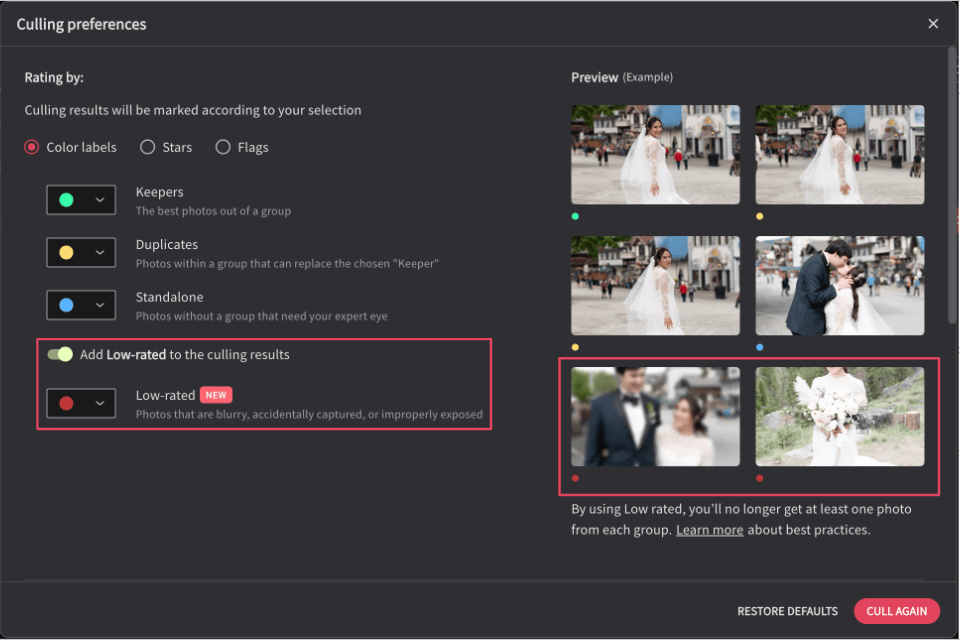
Culling Studio has a new rating category for blurry, accidentally captured, or improperly exposed photos. Add Low-rated to your culling results in the culling preferences to group these types of photos together for quick and efficient review.
Try culling as part of the Imagen trial
Even before you subscribe, try out Culling Studio. Evaluate your best photos before culling with edited previews, and send them straight to edit. Benefit from Imagen's seamless post-production flow while still trying out Imagen.
Get edited previews of JPEG photos in Culling Studio
When you cull with edited previews, you can now choose AI Profiles for JPEG photos too.
Change the aspect ratio in Portrait Crop
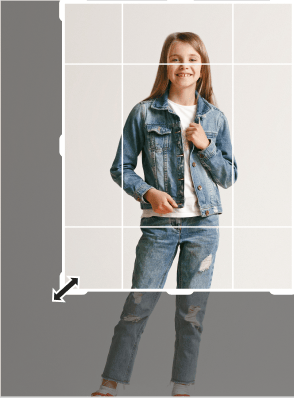
You can now set the aspect ratio for Portrait Crop to 5 x 7 and not just 4 x 5. Portrait Crop is our newest AI tool for portraits and for individual and group shots for school and sports.
Update your AI Profile with more control and precision
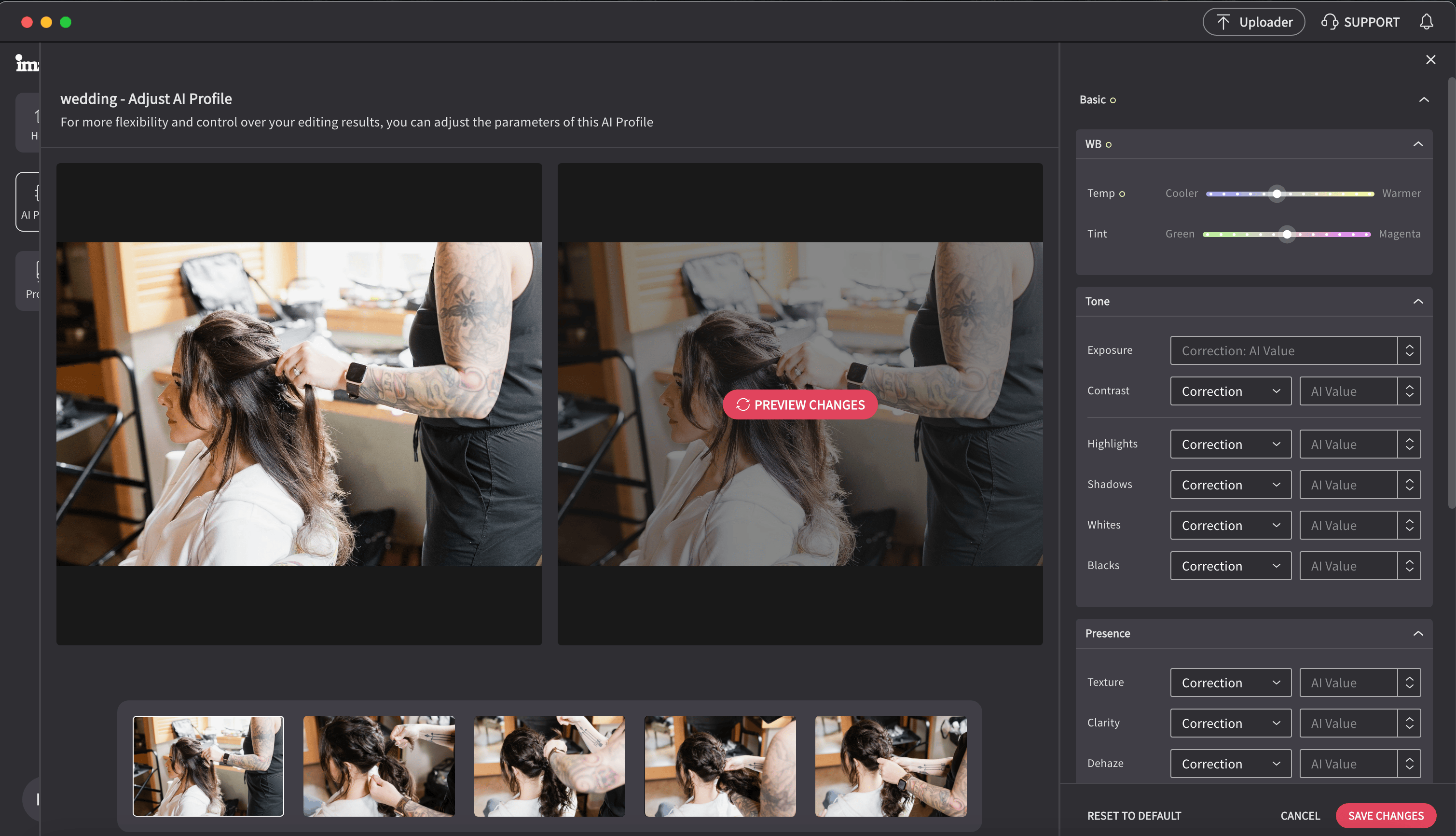
We made these changes to the Profile Adjustment controls so you can now adjust your AI Profile with more control and precision:
- Under Basic, the Temp and Tint adjustments are now finer and more gradual
- Under Color Grading, we added controls for Blending and Balance to give more refined control
- Under Effects > Post-Crop Vignetting, you can adjust the Style
