
Imagen | Changelog
v26.9

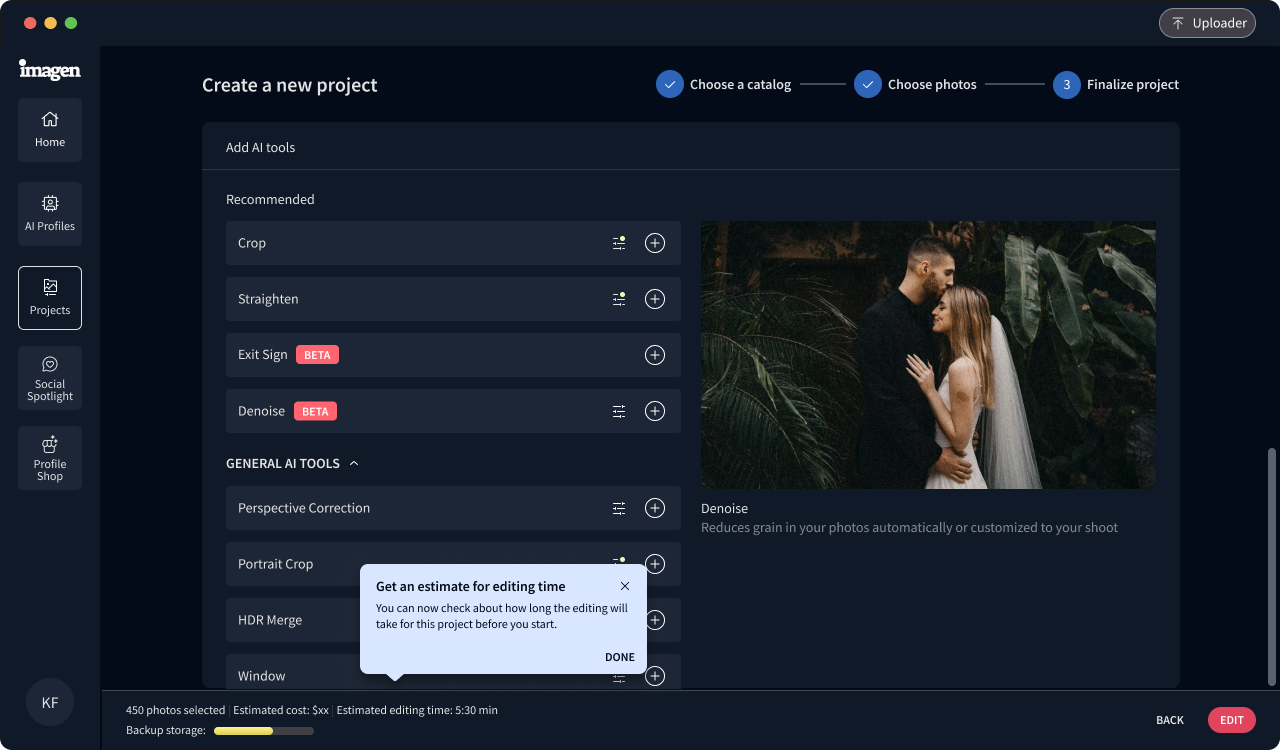
Now you can come back to the same culling project again and again to send batches of photos to edit. Every time you send a batch, the photos are labeled so you know where to start the next time. Your culling results stay organized in Culling Studio, and you edit your photos when it's best for you.

Improvements (1)
  • Denoise supports 1600 as the minimum threshold
v26.7

Now you can keep track of how many photos have Denoise or Object Removal applied to them.

Improvements (3)
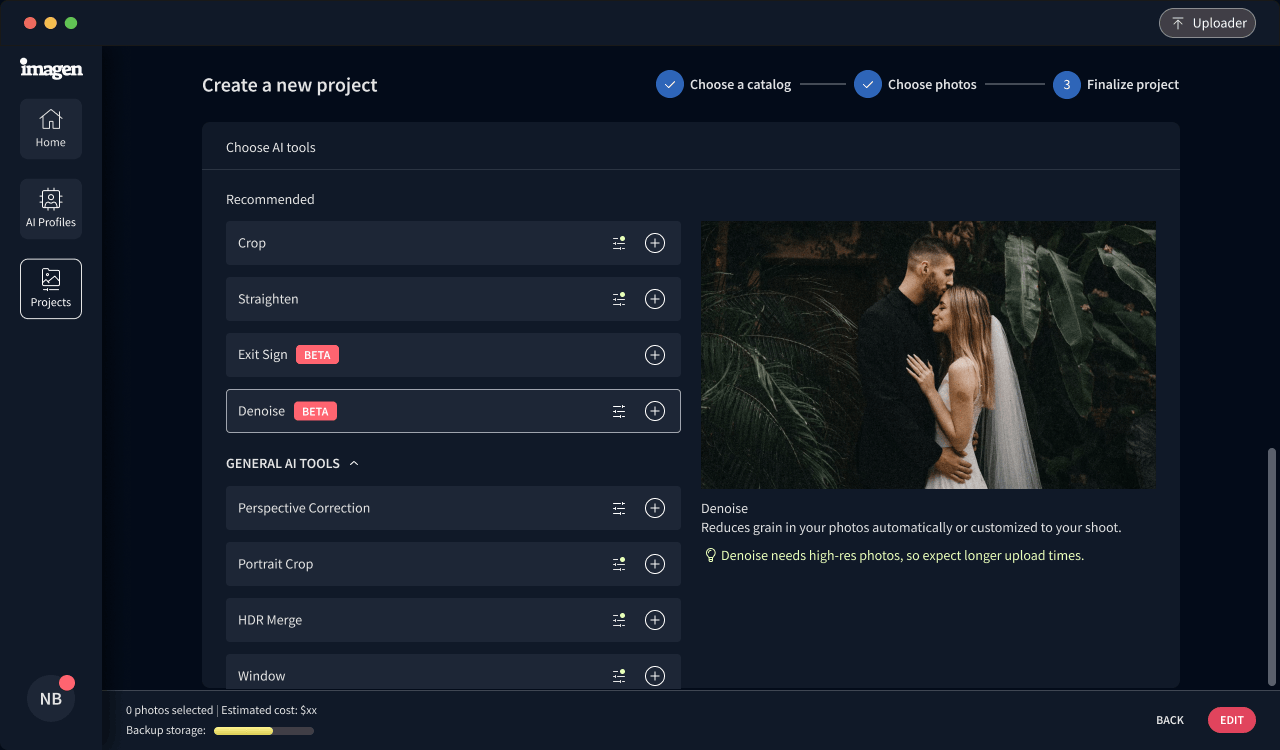
  • Get a photo count for Denoise before editing
  • Get a summary of photos with Denoise or Object Removal after download
  • Social Spotlight now supports more photography types
Bug Fixes (1)
  • Fixed an issue with JPEGs to make upload even easier
v26.5

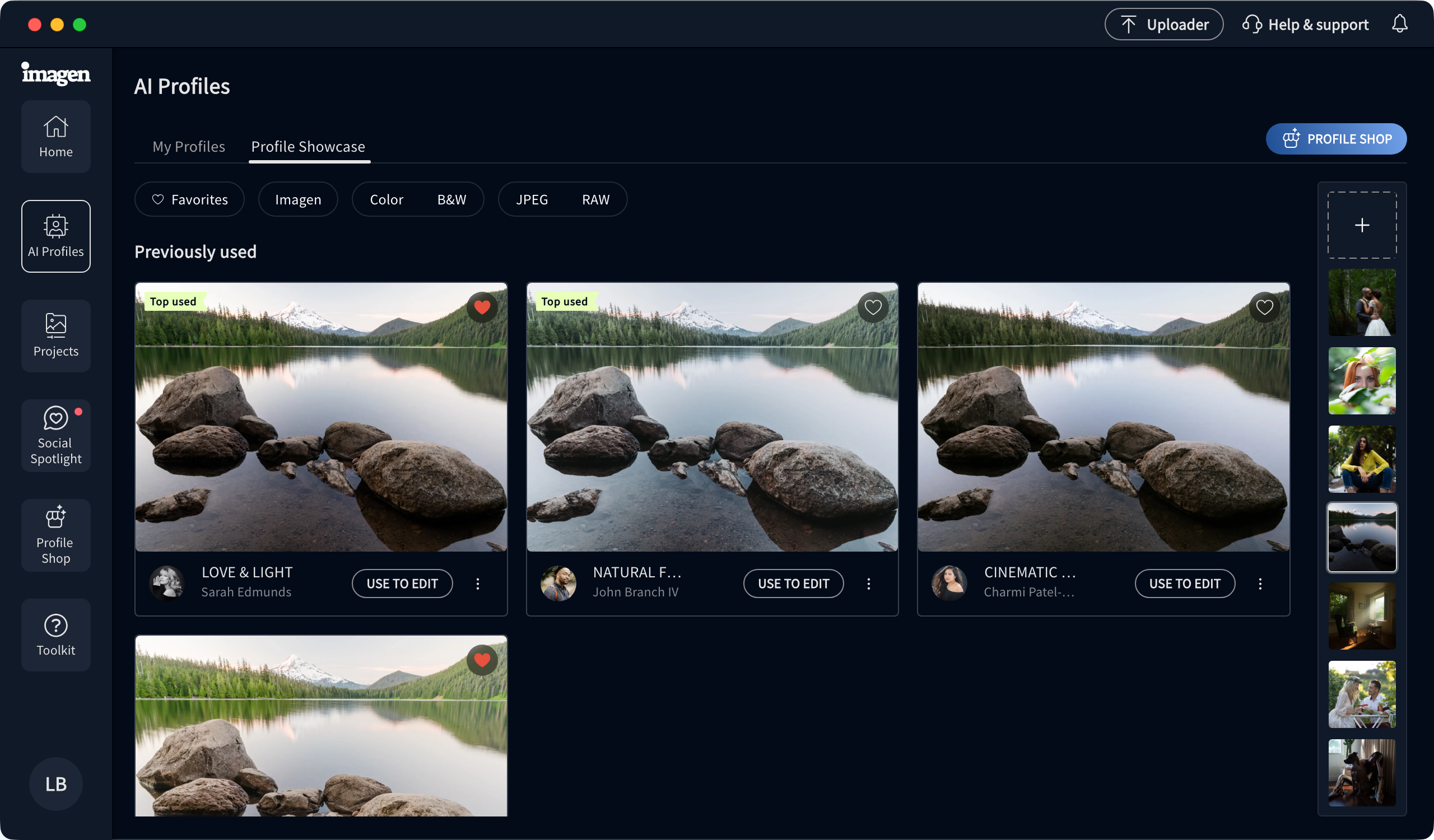
Whether you want to find the right editing style or the best post for Instagram, we’ve made it easier for you to find what you need.

Improvements (1)
  • Profile Showcase: Filter AI Profiles to find what you like, and try them out with photos or upload your own.
Bug Fixes (1)
  • Many small fixes to keep Imagen running smoothly