Imagen | Changelog
v25.8

New: Customize crop settings for Portrait Crop and Headshot Crop

Take control of your cropping with new options for Portrait Crop and Headshot Crop. You can now customize aspect ratios and set different spacing around your subjects for both portrait and landscape orientations. Adjust framing for full body and three-quarter shots to crop just the way you like.

Improvements (1)
Bug Fixes (1)
v25.7

Introducing final touches with new AI tools

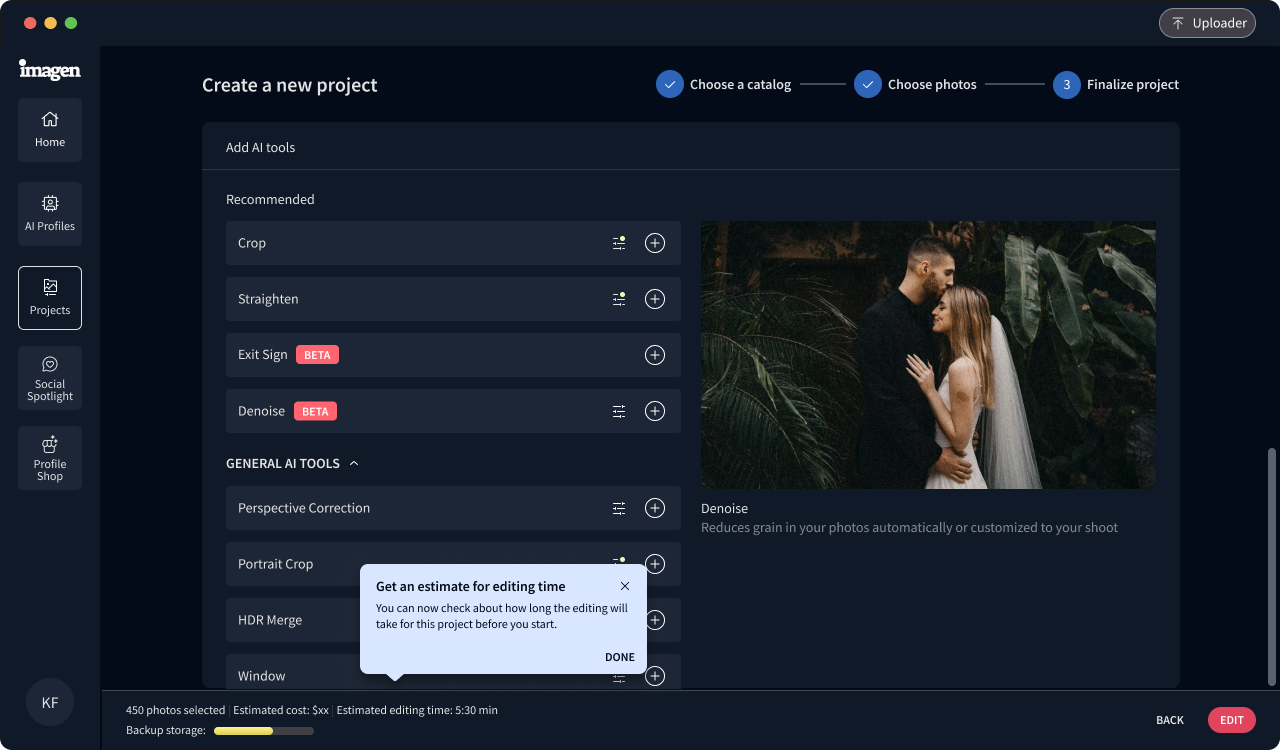
Add finishing touches to your edited photos with two new powerful AI tools. Denoise automatically detects grain levels and customizes the noise reduction for each photo. Background Extraction is coming soon. It creates high-resolution transparent PNGs by intelligently removing backgrounds from your subjects.

As part of Imagen's delivery capabilities, both AI tools generate final high-res photos ready for delivery.

Improvements (1)
Bug Fixes (2)
v25.5

New aspect ratios for Portrait Crop and Headshot Crop

We now have new aspect ratios for Portrait Crop and Headshot Crop. Headshot Crop offers a new 1 x 1 aspect ratio, and Portrait Crop has a new 2 x 3 aspect ratio.

Want to try out our AI cropping tools? Portrait Crop centers the main subject of each photo and keeps optimal spacing above the head and other key details. Headshot Crop automatically aligns and sizes all your headshots consistently, making it ideal for yearbook and professional headshots.

Improvements (1)
Bug Fixes (1)
v25.4

Replace the sky in your real estate photos

Our new Sky Replacement AI tool enhances real estate photos with better skies. Choose between clear blue, light clouds, or cloudy options to make your listings stand out.

With Sky Replacement you get:

  • Natural-looking results that blend with your photo
  • Control over the sky with adjustable masks
  • Easy modifications in Adobe software
  • Full compatibility with your AI Profile

Sky Replacement is free while in beta. Try it now.

Improvements (3)
Bug Fixes (1)
v25.3

Introducing Profile Shop

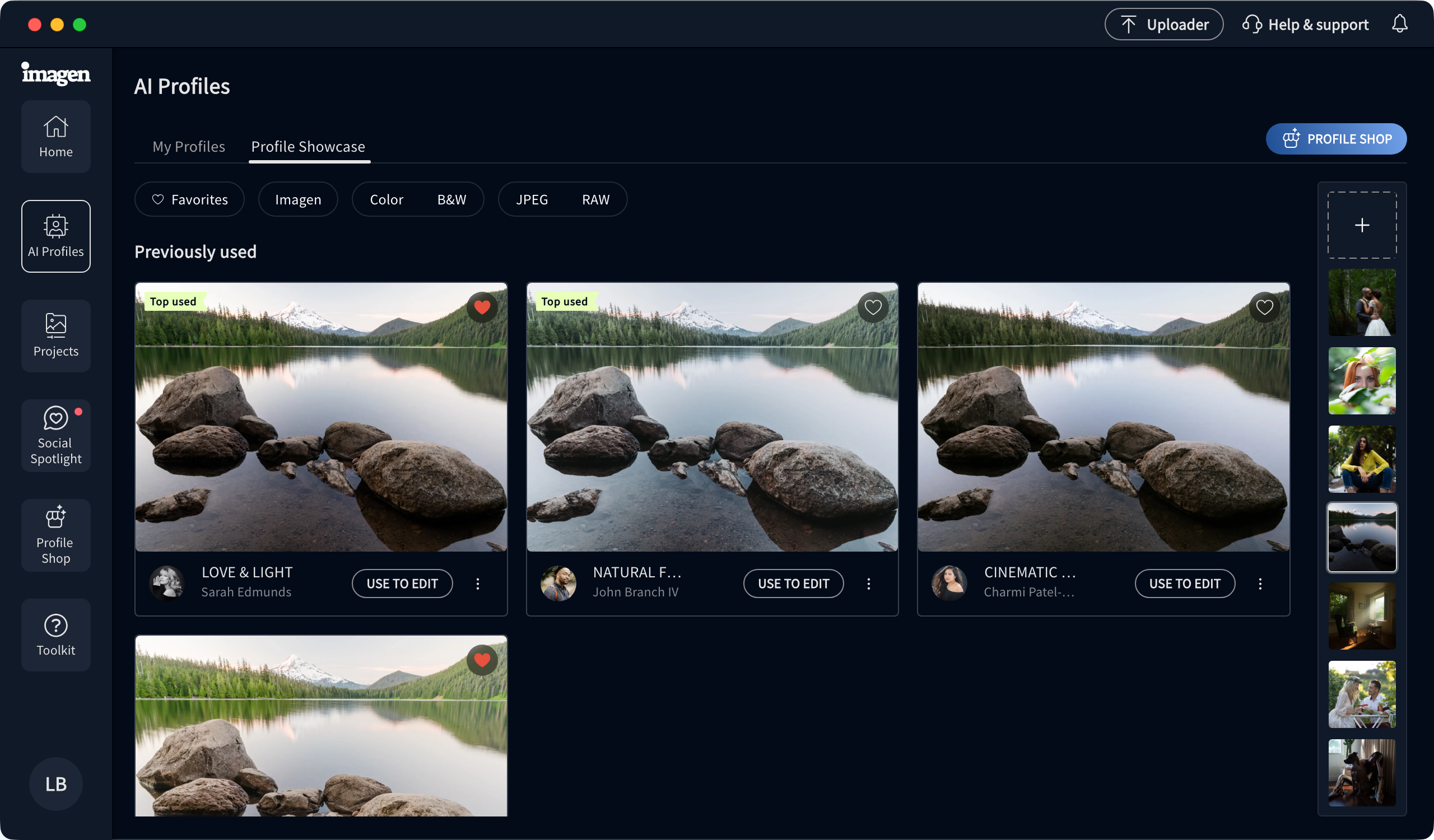
Find your perfect editing style in our new Profile Shop. Browse AI Profiles created by vetted photographers. Filter by photography type, style, and file type to find exactly what you want.

Then, try them on your photos before buying. When you find the right fit, buy it, and it's yours. Use your new AI Profile as it is, or adjust it to better fit your style. After you have enough edits, you can fine-tune it to make it even more precise and consistent.

Improvements (2)
Bug Fixes (1)